
Withdrawal Process on Wildzy
A Wildzy withdrawal starts in the Cashier after your account balance is withdrawable and any active bonus conditions are settled. Visa and Mastercard payouts use eligible card rails. Apple Pay cashouts are handled through the linked eligible card or bank route when available. Revolut payouts depend on the linked card or bank option. Crypto withdrawals require an exact wallet address. SOFORT and Giropay are bank based routes where the Cashier supports them.

How to Withdraw Money
Log In to Your Account
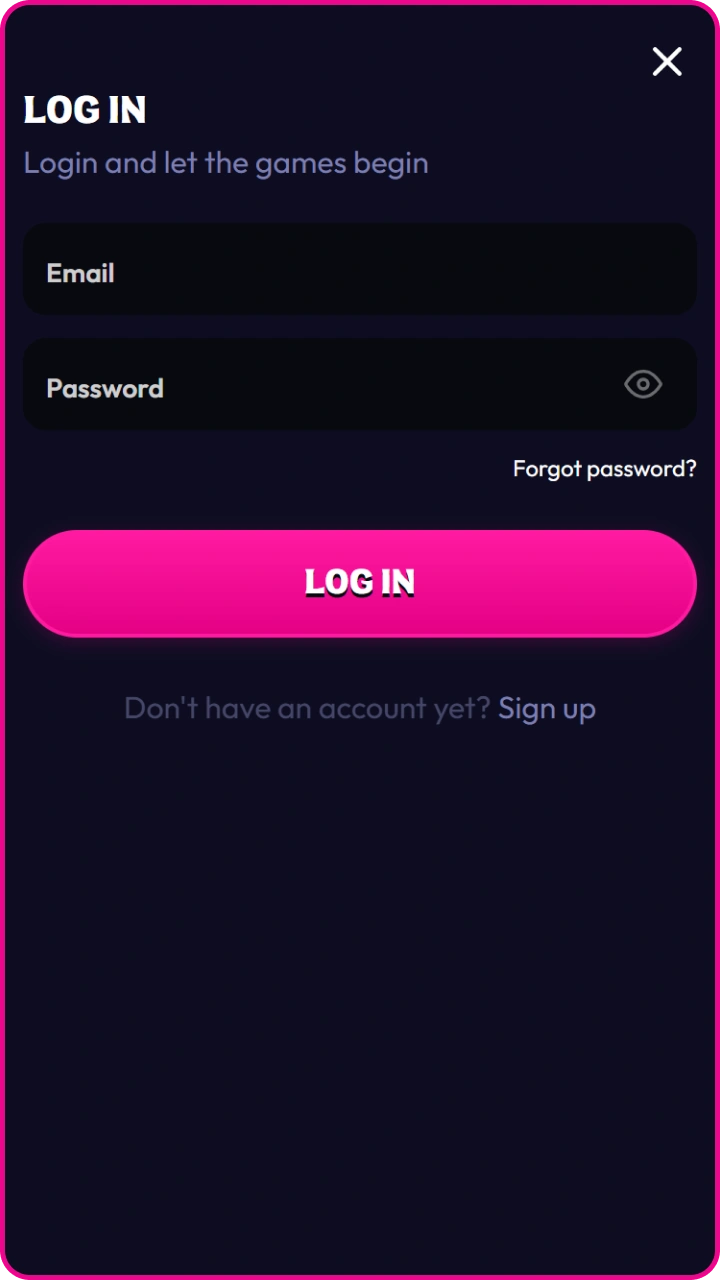
Sign in to your account using your email, phone number, or username. Make sure you are using a secure internet connection.
Open the Withdrawal Section
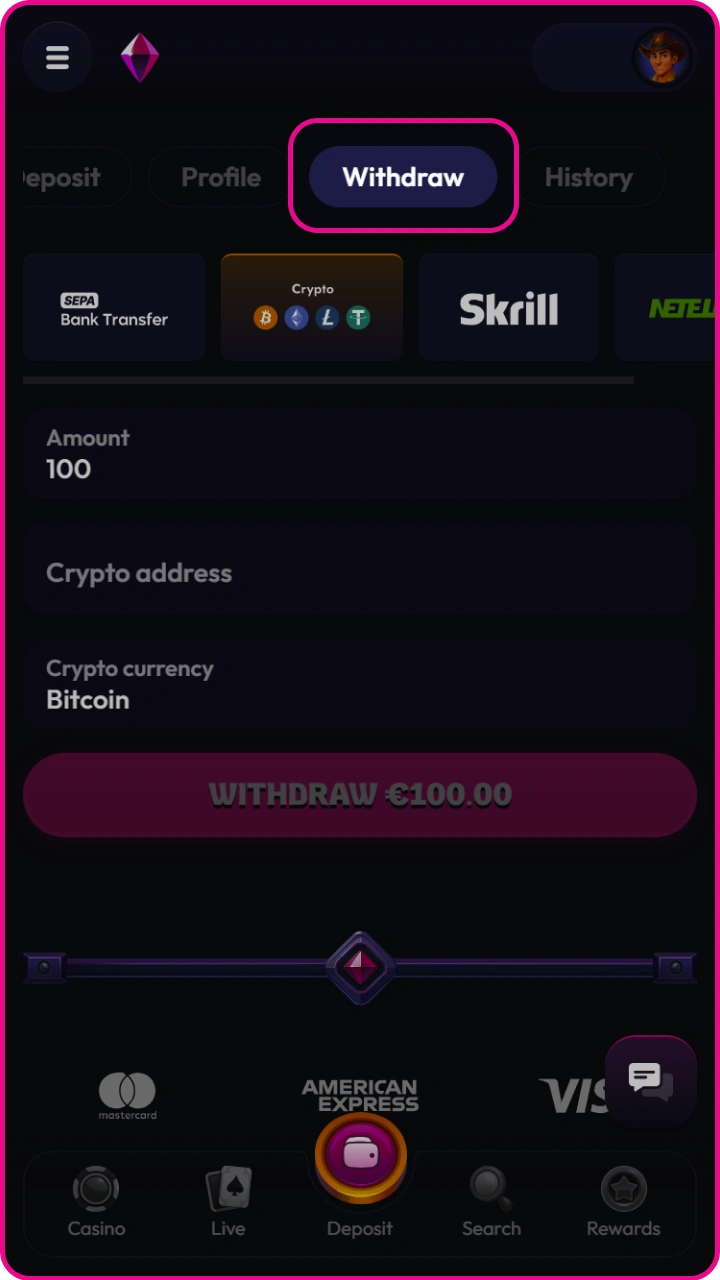
Go to the wallet, balance, or payments section of your account. Select the option labeled “Withdraw,” “Cash Out,” or “Transfer Funds.”
Choose a Withdrawal Method
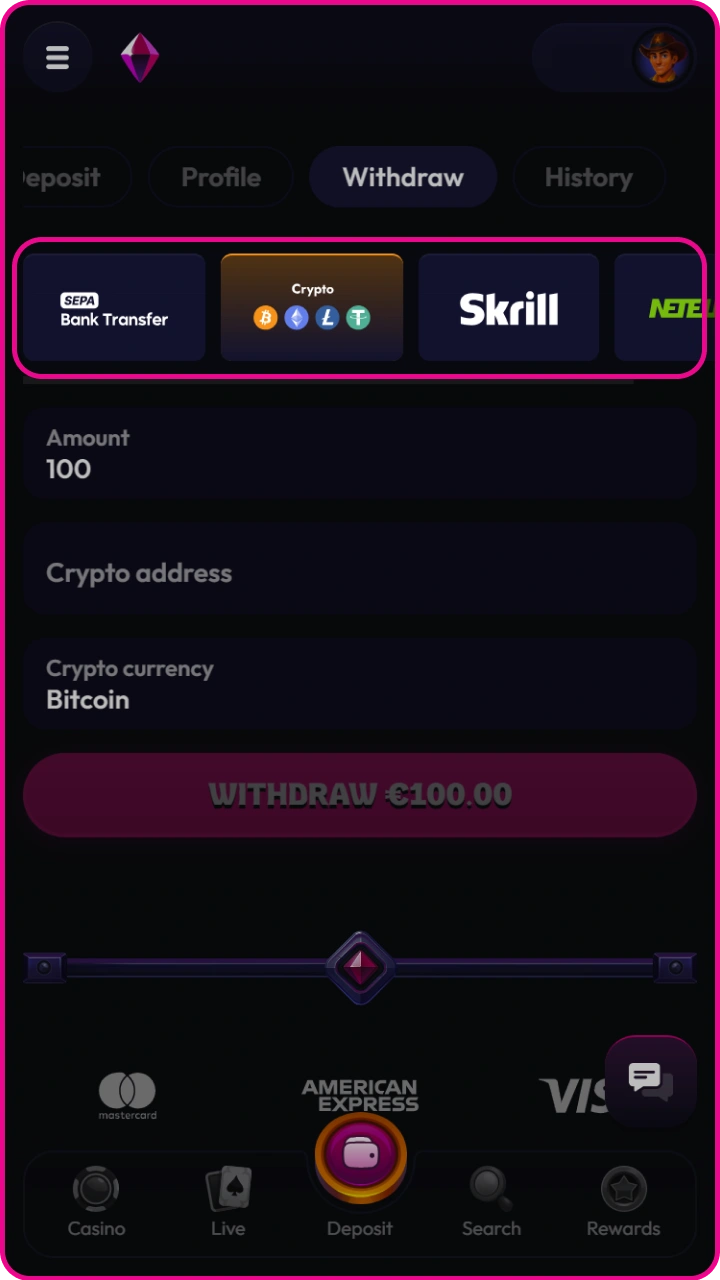
Select your preferred withdrawal method, such as a bank card, bank transfer, e-wallet, or another available option. Check that the method is supported in your country or region.
Enter the Withdrawal Amount
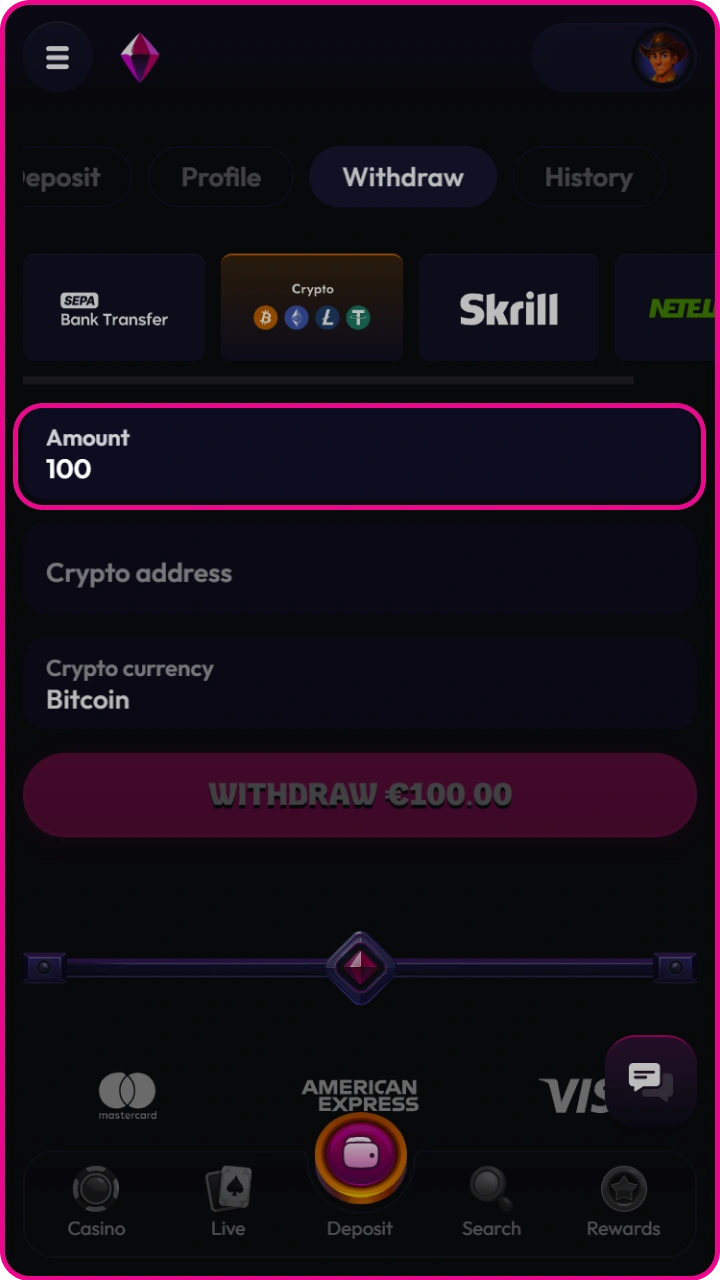
Type the amount you want to withdraw. Make sure it does not exceed your available balance and meets the minimum withdrawal limit.
Confirm Payment Details
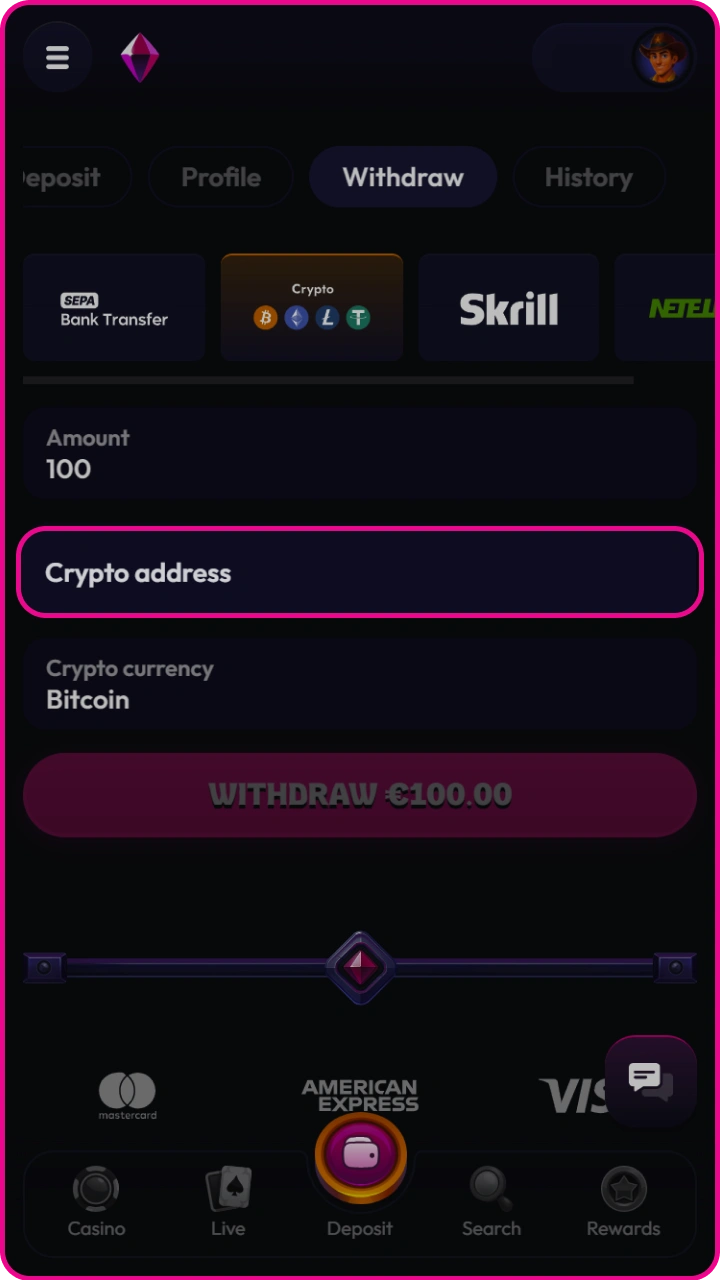
Review the recipient details, account number, card information, or wallet address carefully. Incorrect details may delay or prevent the transfer.
Complete Verification
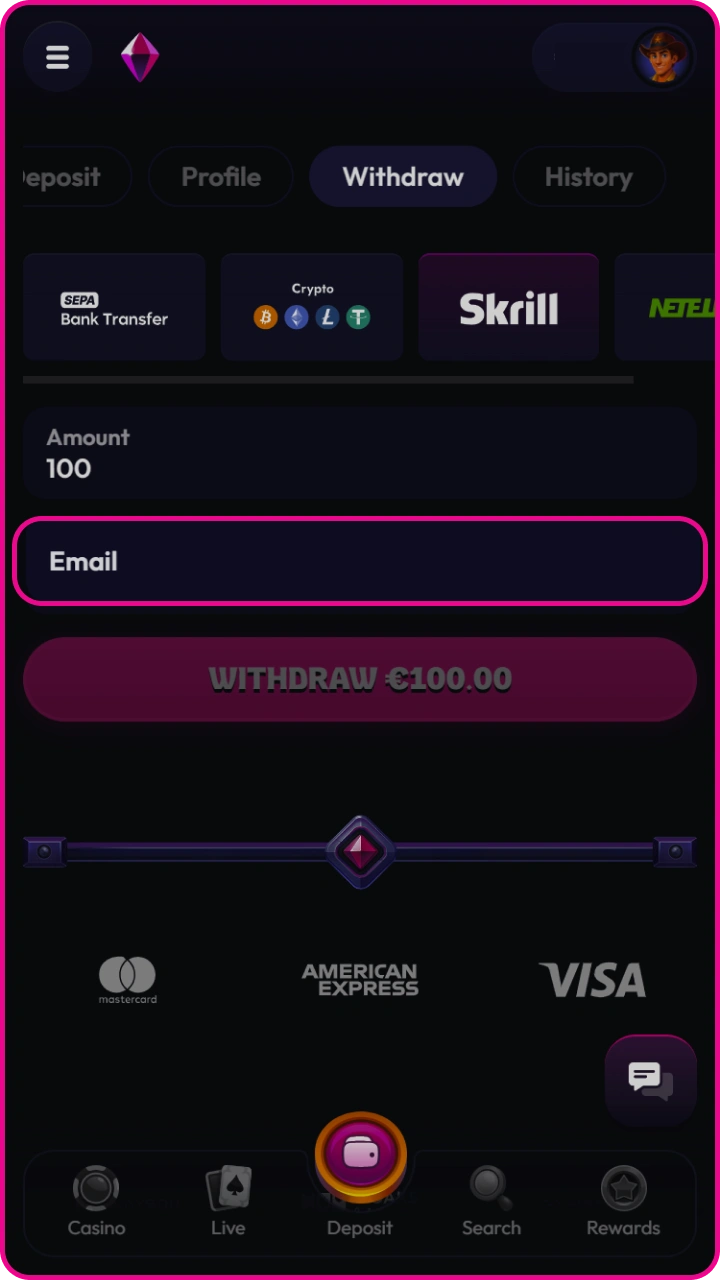
If required, confirm the withdrawal using a code sent to your email, phone, or authentication app. This step helps protect your account from unauthorized transactions.
Submit the Request
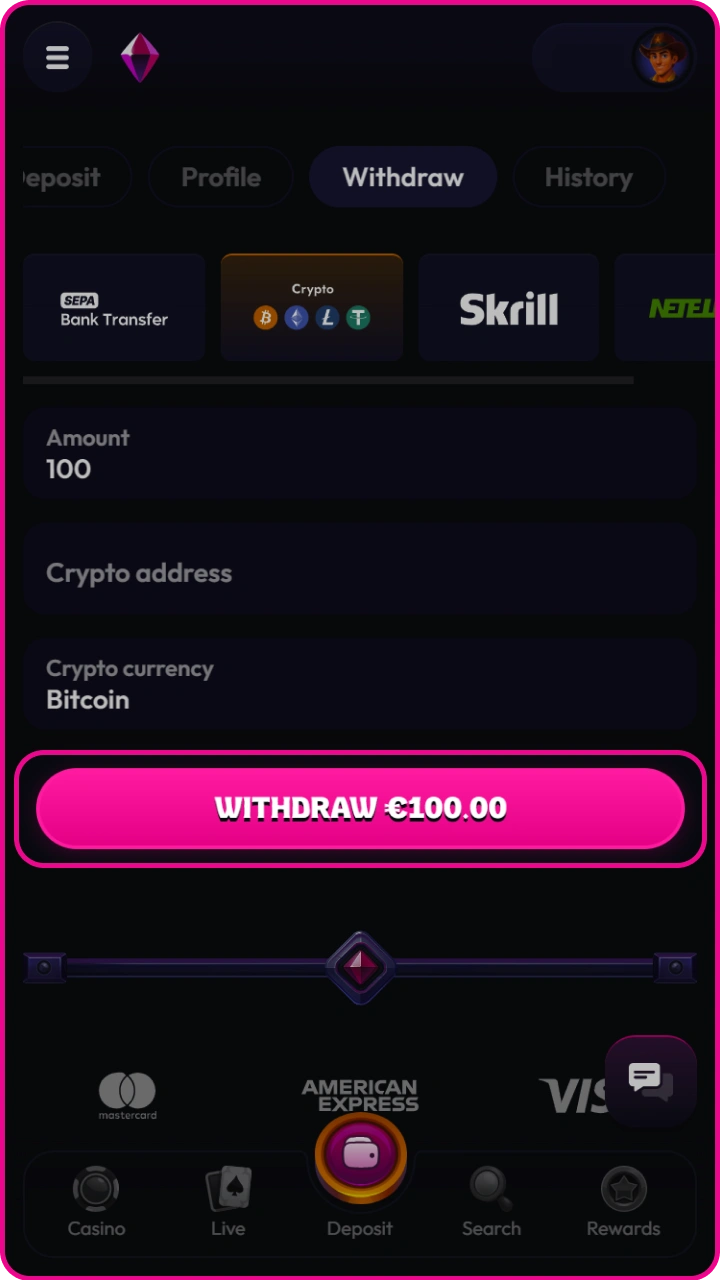
Click the confirmation button to send your withdrawal request. After submission, you may receive a confirmation message or email.
Wait for Processing
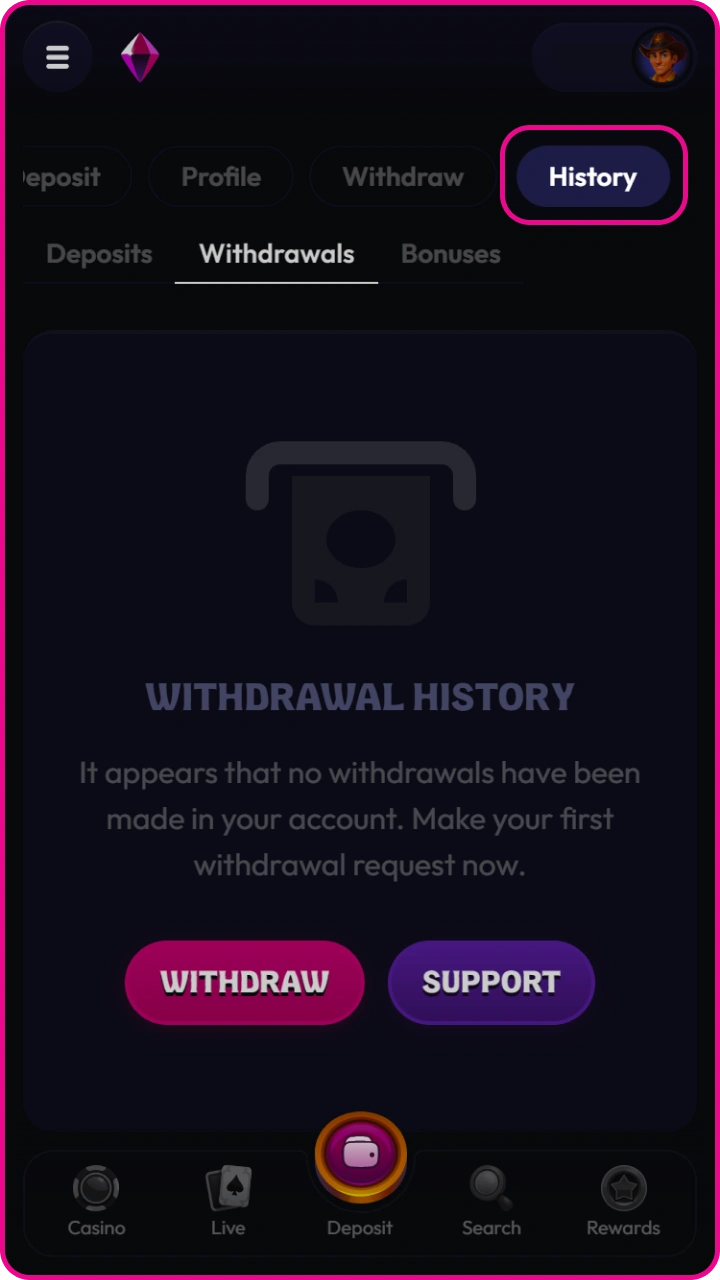
Withdrawal processing time depends on the selected payment method and platform rules. You can usually track the status in your transaction history.
Wildzy Withdrawal Methods, Time and Limits
Wildzy withdrawal options are shown inside the Cashier after login. Limits, fees and processing time can depend on account status, currency, verification and the selected payment method.
| Withdrawal Method | Minimum Withdrawal | Maximum Withdrawal | Fee | Processing Time |
|---|---|---|---|---|
| Visa | €20 | €1,000 / day | Free | Up to 3 banking days |
| Mastercard | €20 | €1,000 / day | Free | Up to 3 banking days |
| Apple Pay linked card | €20 | €1,000 / day | Free | Up to 3 banking days |
| Revolut card or bank route | €20 | €1,000 / day | Free | Up to 3 banking days |
| Cryptocurrency | €20 | €1,000 / day | Network fee may apply | Blockchain confirmation (up to 3 banking days) |
| SOFORT bank route | €20 | €1,000 / day | Free | Up to 3 banking days |
| Giropay bank route | €20 | €1,000 / day | Free | Up to 3 banking days |
Wildzy Mobile App Withdrawal
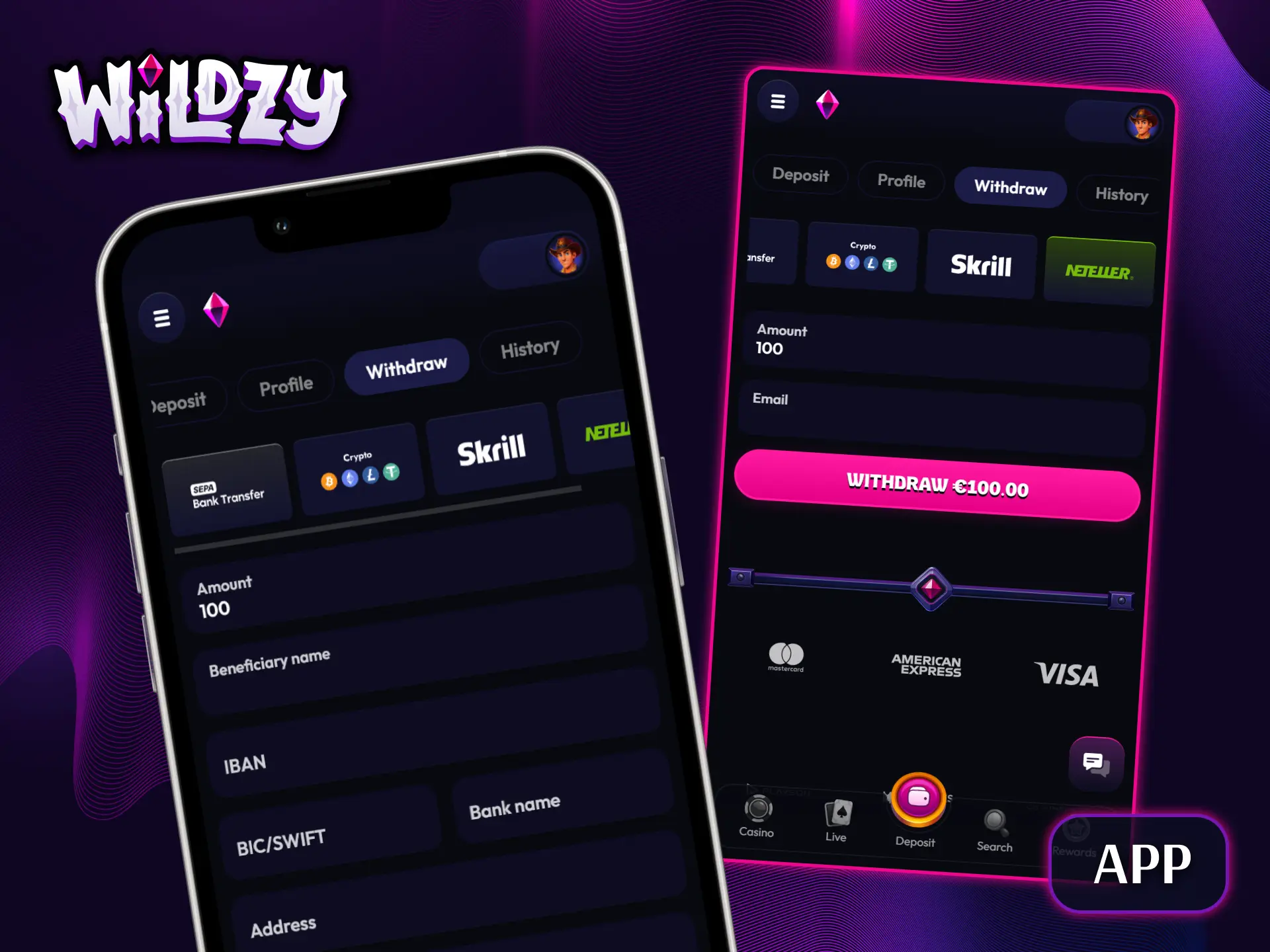
Wildzy supports mobile account access for casino, sportsbook, Cashier and verification actions. The same withdrawal checks apply on mobile, including balance status, payment ownership and account verification.
- Open Wildzy app on your mobile device and sign in.
- Go to the account menu and open the Cashier.
- Select Withdrawal and choose an available payment method.
- Enter the withdrawal amount, confirm payment details and submit the request.
Common Withdrawal Problems and Solutions on Wildzy
If a payout is delayed, contact the support team through live chat or email with your username, transaction ID, payment method and requested amount.
| Problem | Solution |
|---|---|
| Account verification is incomplete | Upload the requested ID, proof of address or payment ownership document in the verification area. |
| Bonus funds are still restricted | Complete the wagering requirement or review the bonus cancellation result before submitting a cashout. |
| Payment method is unavailable | Select a Cashier option registered in your legal name and supported for withdrawals on your account. |
| Withdrawal amount is outside the active limit | Change the amount to match the minimum and maximum values displayed in the Cashier. |
| Crypto wallet or network is incorrect | Use the coin, wallet address and network displayed in the withdrawal form before confirmation. |
FAQ
Pending withdrawal review
A pending withdrawal can require payment checks, KYC review or bonus review before release. The Cashier or transaction history shows the current status.
Multiple withdrawal requests
Each withdrawal request is handled as a separate transaction. Check the active account limit before submitting another amount.
Name mismatch on payment account
Use a card, bank account, wallet or crypto account registered in your legal name. Third party payments can fail verification.
Crypto network selection
Select the same coin and network shown in the Cashier. A wrong wallet address or network can cause loss of funds.
Sports bets and withdrawable balance
Open sports bets remain unsettled until the event result is confirmed. Settled winnings can be included in your withdrawable balance.
Updated: